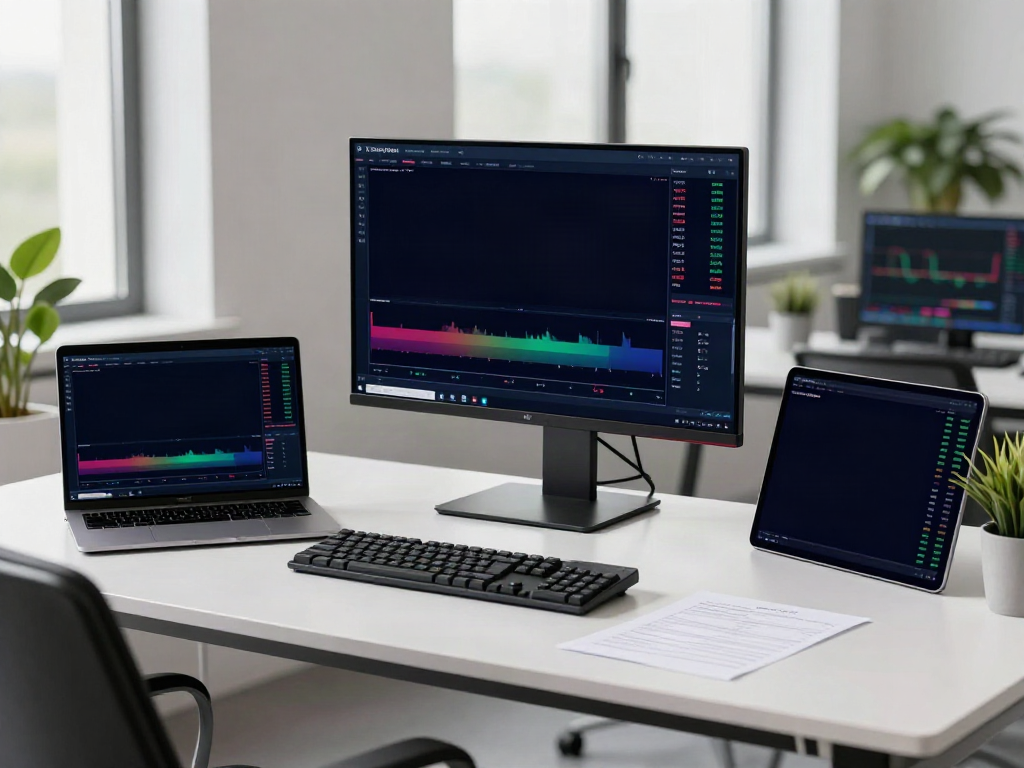
Understanding MetaTrader 5: A Comprehensive Overview
MetaTrader 5 is not just any trading platform; it's a revolutionary tool designed for traders looking to harness the full potential of the financial markets. Offering a comprehensive suite of features, MetaTrader 5 caters to both novice traders and seasoned professionals. This platform combines the power of technical analysis, algorithmic trading, and real-time data to provide an all-encompassing trading experience. When exploring options, MetaTrader 5 provides comprehensive insights that can help shape trading strategies and enhance decision-making processes.
What is MetaTrader 5?
MetaTrader 5 (MT5) is a multi-asset trading platform developed by MetaQuotes Software. Launched in 2010, it serves as a successor to MetaTrader 4 (MT4), introducing advanced features for trading in Forex, stocks, and futures. MT5 allows traders to perform real-time analysis, execute trades, and utilize algorithmic trading through expert advisors (EAs). With its user-friendly interface and robust performance, MetaTrader 5 has become a preferred choice for traders across the globe.
Key Features and Benefits
MetaTrader 5 is loaded with features that enhance trading efficiency and analysis. Here’s a look at some of the key offerings:
- Advanced Charting Tools: With multiple time frames and a wide array of technical indicators, traders can analyze price movements with precision.
- Algorithmic Trading: The integrated MQL5 programming language allows traders to create automated trading algorithms, enhancing trading efficiency.
- Comprehensive Financial Market Access: MT5 caters to Forex, stocks, commodities, and cryptocurrencies, making it a versatile choice for diverse trading strategies.
- Depth of Market (DOM): This feature provides insight into market liquidity, allowing traders to make informed decisions based on available volumes.
- Multi-Currency Strategy Tester: Traders can backtest their strategies with historical data using various parameters to optimize performance.
Differences Between MetaTrader 4 and 5
While MetaTrader 4 is tailored primarily for Forex trading, MetaTrader 5 expands on this by allowing trading in various financial instruments. Key differences include:
- Timeframes: MT5 offers more timeframes for charting, allowing for a more granular analysis.
- Technical Indicators: MT5 comes equipped with additional built-in indicators and graphical objects.
- Market Depth: MT5's DOM functionality provides more comprehensive market information.
- Order Types: MT5 supports more order types compared to MT4, allowing for greater flexibility in trading strategies.
Getting Started with MetaTrader 5: Installation and Setup
How to Download and Install MetaTrader 5
Getting started with MetaTrader 5 is straightforward. The platform is available for download on various operating systems including Windows, macOS, and mobile devices. To install:
- Visit the official MetaTrader 5 website or your respective app store.
- Download the appropriate version for your device.
- Follow the installation instructions provided based on your operating system.
Setting Up Your First Trading Account
After installation, the next step is to set up your trading account. You can create a demo account to practice trading without financial risk:
- Open the MetaTrader 5 application.
- Click on “File” and select “Open an Account.”
- Choose a server to connect with and fill in the registration form.
- After completing the form, your demo account will be created, and you will receive a login and password to access it.
Customizing Your Trading Interface
MetaTrader 5 allows extensive customization of the trading interface to suit your personal preferences:
- Set Up Chart Layouts: You can rearrange and resize charts for better visibility.
- Add Indicators: Easily include your favorite technical indicators for more effective analysis.
- Utilize Presets: Save your preferred settings as templates for future use.
Mastering Technical Analysis Using MetaTrader 5
Understanding Charts and Indicators
Charts are fundamental in analyzing market movements. MetaTrader 5 supports various chart types, such as line, bar, and candlestick charts. Use indicators like Moving Averages, RSI, and MACD to identify trends and potential reversal points.
Using Drawing Tools for Market Trends
The platform includes powerful drawing tools that allow traders to mark support and resistance levels, trend lines, and channel patterns directly on the charts. These visual aids assist traders in making informed decisions based on market behavior.
Creating and Saving Custom Templates
Traders can create custom templates that encapsulate their preferred indicators and chart styles. This feature ensures quick access to your favorite setups without the need to reconfigure each time you open a new chart.
Algorithmic Trading with MetaTrader 5: Strategies and Tools
Introduction to MQL5: Building Your First EA
MQL5 is a powerful programming language that allows traders to create Expert Advisors (EAs) for automated trading. Writing your first EA involves understanding basic programming concepts, which can be learned through MT5's extensive documentation and community forums.
Backtesting Trading Strategies in MetaTrader 5
MT5’s Strategy Tester enables traders to backtest their EAs using historical data. This feature is crucial for evaluating the effectiveness of trading strategies before deploying them in live markets. Adjust parameters based on backtest results to optimize performance.
Using Signals for Automated Trading
MetaTrader 5 offers a signals service where traders can subscribe to other users’ trading strategies. This service allows for automated copying of trades, enabling less experienced traders to engage in the markets without extensive knowledge.
Future Trends in Trading with MetaTrader 5 for 2026 and Beyond
Emerging Trading Technologies
As the trading landscape evolves, technologies like AI and machine learning are set to revolutionize how traders approach markets. MetaTrader 5 is expected to integrate more advanced analytical tools powered by AI to assist traders in making better market predictions.
Impact of AI on Trading Strategies
AI-driven algorithmic trading strategies are likely to become more prevalent. Traders will leverage AI to analyze vast amounts of data, identify patterns, and execute trades at optimal moments, potentially improving profitability and reducing risks.
Predictions for Financial Markets
Over the next few years, expect significant shifts in financial markets, influenced by geopolitical changes, regulatory adjustments, and evolving trader behavior. MetaTrader 5 will continue to adapt and improve, offering traders the tools they need to navigate these changes successfully.
Is MetaTrader 5 legal in the USA?
Yes, MetaTrader 5 is legal in the USA. However, users should only use brokers regulated by the relevant authorities to ensure compliance and protections.
Is MetaTrader 5 good for beginners?
Absolutely. With its intuitive design, comprehensive tutorials, and demo account features, MetaTrader 5 is suitable for both beginners and experienced traders alike.
Can I make real money on MetaTrader 5?
Yes, traders can generate real profits using MetaTrader 5, but success relies on knowledge, experience, and discipline in trading practices.
Is MetaTrader 5 trustworthy?
MetaTrader 5 is a reputable platform widely used in the trading community. However, the trustworthiness also hinges on the broker you choose.
What platforms support MetaTrader 5?
MetaTrader 5 is compatible with Windows, macOS, Android, and iOS, in addition to a web-based platform accessible from any browser.